Download Vintage Story Free Launcher
This is basic game launcher setup after installing it, you will need to update game files, about 700 MB size.
Download Launcher*1. Download Launcher
First you need to download game launcher from HERE*.
2. Install Launcher
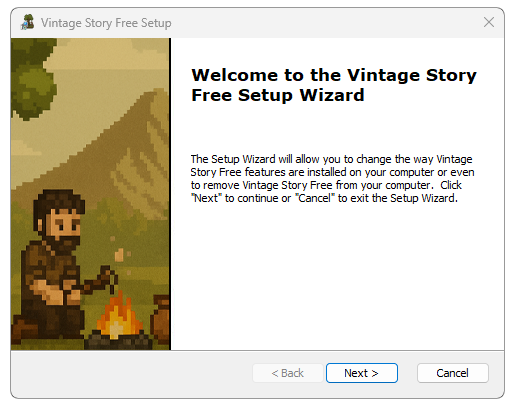
Click on downloaded launcher setup and continue the setup wizard to install.
3. Start Game
After installation click "Vintage Story Free" shortcut on your desktop. Register your game account HERE and add credentials to launcher after you get sign in click button "Play" (If would be found any game updates will appear "Update" button, click it and update files).